Before your first roll
Open the official Roblox experience by FISH X SPEEDI. Follow the game's tutorial before trying to skip ahead. This guide is a companion to the current prompts, not a replacement for them.
Keep the scope small: complete one loop before comparing advanced systems. That gives you a useful reference point for the effect of any later change.
Follow your catch through the loop
Roll a fisherman
The game begins with a fisherman roll. Follow the tutorial before spending more resources.
Place them on the dock
Move your fisherman to the dock. Check the game's prompts to confirm the placement.
Collect and display fish
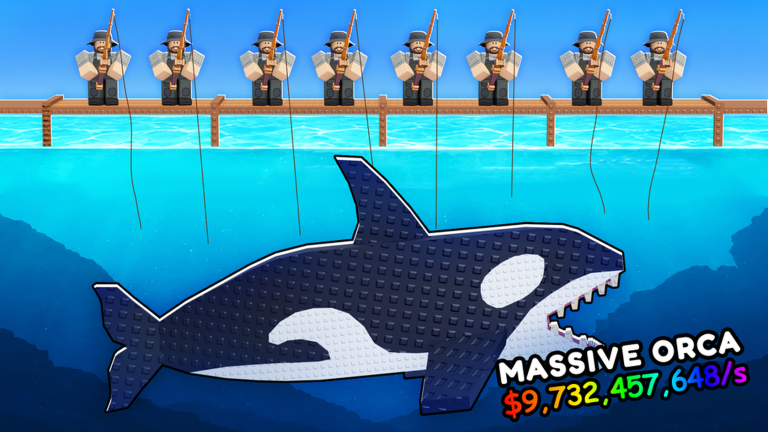
Collect fish from your dock and place them on a stand. Catching a fish is one part of the loop; displaying it is the next.
Collect cash and upgrade
Collect the stand's cash, then use the current upgrade menu to decide your next purchase. The official description also mentions offline earnings.
If you lose track, return to the last step you can confirm. Look at what is on your dock or stand and what the next prompt asks you to do, rather than assuming an item in your inventory is already earning.
Try codes one at a time
Open the codes list when you are ready. The third-party instructions point to the Shop's bottom section after the tutorial. Paste one entry, redeem it, then read the result and check your balance.
The source-reviewed list does not guarantee success. We have not tested the amounts in-game; a copied string is not a confirmed reward.
Pause before spending
Read the displayed cost and currency for your next upgrade. Make one change and inspect what it does before spending everything on a theory about the fastest route.
If a menu mentions mutations or rebirth, read its current requirements first. This guide does not publish unverified multipliers, fish requirements, or rebirth prices.
When you finish your session
The description mentions offline earnings, but this site has not measured a cap or rate. Use the game's live information for those details.
Your checklist is a reading aid on this browser only. It does not connect to Roblox, reflect account progress, or sync across devices. You can uncheck any step to revisit it.